Class Composite Prints - 8x10
Composite pictures are perfect for school and day care class photos. We have 5 main layouts, each with a version with the bottom row having 1 less image. Not all image nodes have to be filled so you can get just about any number of images to work (up to 40) in the composite.
Our service is geared towards bulk orders, but there is no minimum order
Fuji Crystal Archive Type CA traditional photo paper
All print orders qualify for USPS flat rate shipping
Most orders ship in 24 hours
We can ship directly to your customers, no mention of our lab or prices
Most orders for 8x10 class composites are done in 24 hours.
Better Option for Class Composites - Free Tool!
Try our Free Class Composite Generator - this is much more versatile than the preset templates in the SOS ordering system mentioned below.
The templates below are in our ordering system and while they do work, they can be a little cumbersome to work with. The free class composite generator is much simpler to use and has many more options. You should try it first, then use the image it gives you to just order as a regular print.
What is a Class Composite Photo?
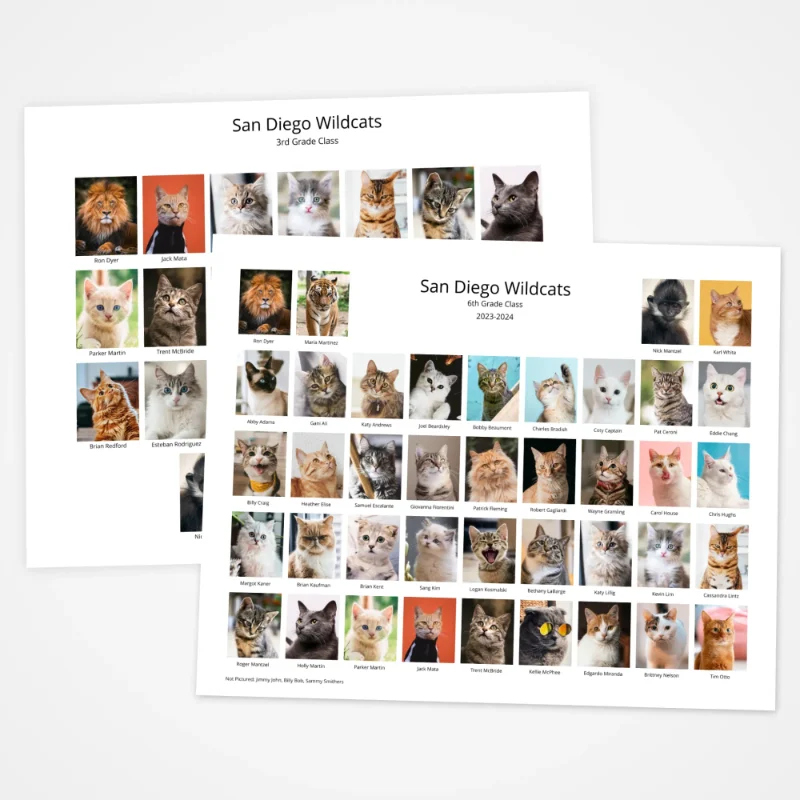
A class composite photo is where you have a group photo made up of each individuals picture with their name below it.
8x10 class composite prints are perfect for school and day care class pictures. Simply drag and drop an image into each node and add it to the cart. You can fill in as many images as you need - you are not required to have an image in each spot.
Filenames are the Name Below the Image in the Composite Photo
When you drop an image into a slot, the filename will be used as the name below the image.
If you have a comma in the filename, the system will assume you named your pictures as the persons name with the last name followed by a comma, then a space and the first name - like Smith, Jane.jpg. This will help the files sort alphabetically by last name on your computer so you can drag them into the composite template in order. Capitalization matters so please be careful naming the files.
You can edit the name after you add in an image if needed, just click on the name and an editor will pop up.
Not Pictured Text on Bottom
If you have kids that are not pictured there is a text box at the bottom that you can list their names in - add in Not Pictured: first and then list the names.
Are 8x10 Class Composite Prints Available on Glossy Paper? We think the 8x10 composite prints look better on the luster finish but if you need them to be on glossy paper you can let us know in the special instructions and also reply to your order notification email that you want them on glossy paper and it should be no problem.
Issue - Can't Remove an Image from a Node
Our ordering system does not have a way to remove an image from a node if you accidentally add an image to a node that should really be empty (for instance you use the 40 image template but only have 38 images). To get around this the best bet is to drop in a transparent image where the filename contains the text "no-text". This will replace the image and the text will be removed.
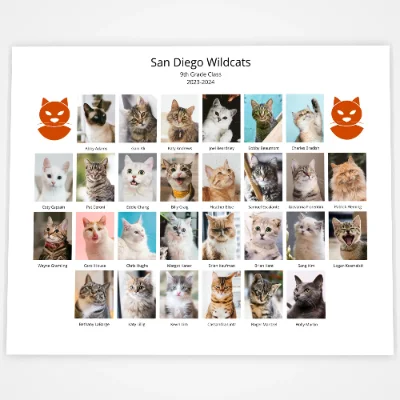
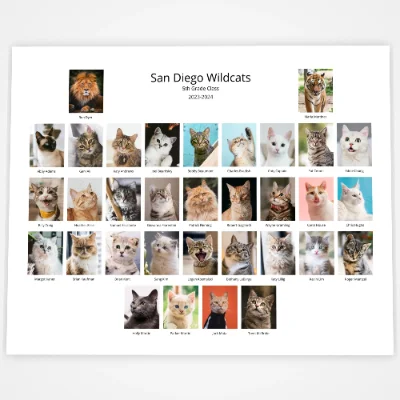
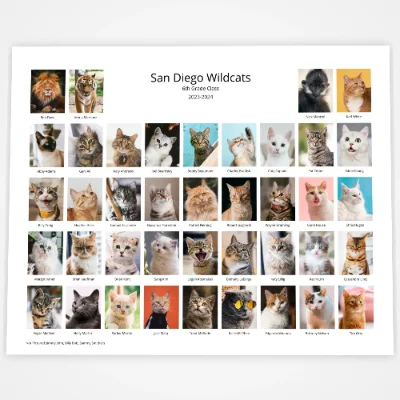
What's up with the Cats?
We didn't want to use actual pictures of children so we used a bunch of cat photos instead. Meow!
Available Class Composite Templates
We do 2 versions of each - one has an odd number of image nodes on the last row. Since the image nodes are fixed in the ordering system we have several to chose from depending on the number of images you have. Each image node does not have to have an image in it.