Price Increase
We made a small increase in our 8x10 and 11x14 prices, 1-6 cents depending on the size and quantity break.
Price Increase
We have adjusted our prices slightly, this is the first of 2 price increases, the next one will be some time in August or September.
More InfoFeature
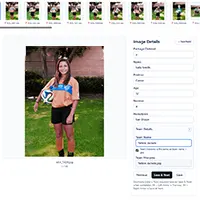
Projects Allow CSV Ordering
You can now order prints via a CSV file and a project. This allows the use of complex templates like memory mates or templates with text nodes. We're still building this out, we are working on documentation and additional templates. If you have any questions or suggestions on how to make this work better please let us know!
More InfoAnnouncement
CSV Image Data Tagger Tool
Need to make a csv file with your images and some data? Found under Tools on our main qprints.com website. This is a free tool that runs in your browser.
More InfoFeature
Projects Now Available
The SOS now supports projects. This allows you to create a project, upload images to it and then order from it as needed. So it is an upload first flow, and then is available later. Great for schools or events, or a project you want to add images to over time.
Announcement
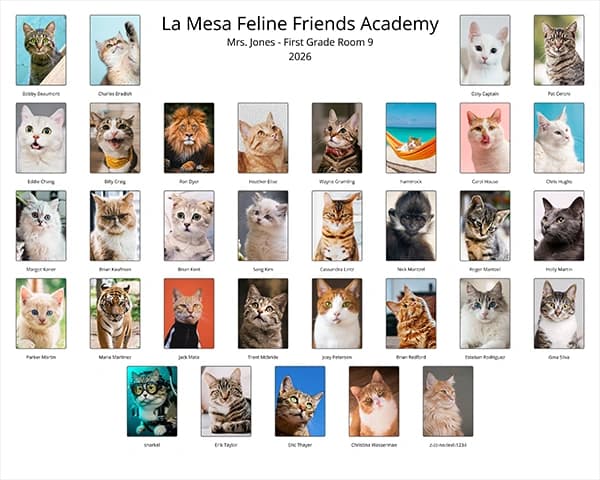
Free Class Composite Generator
We added a free browser based class composite generator to the main qprints.com site under Tools. Grab a bunch of images, dial in the settings and download the full res file.
More InfoAnnouncement
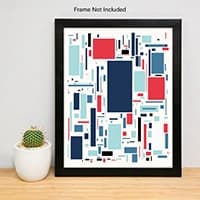
Free Mockup Generator
If you sell on Etsy or Amazon and need mockup images check out our free mockup generator on our print on demand site. There are a few different styles and it allows for sets of prints like a set or 4 or 6 images.
More InfoAnnouncement
Follow us on Instagram!
We're on instagram, follow us for updates and tips.
More InfoAnnouncement
New Video Posted
How to use Lightroom to create units and package prints - it is surprisingly powerful.
More InfoFeature
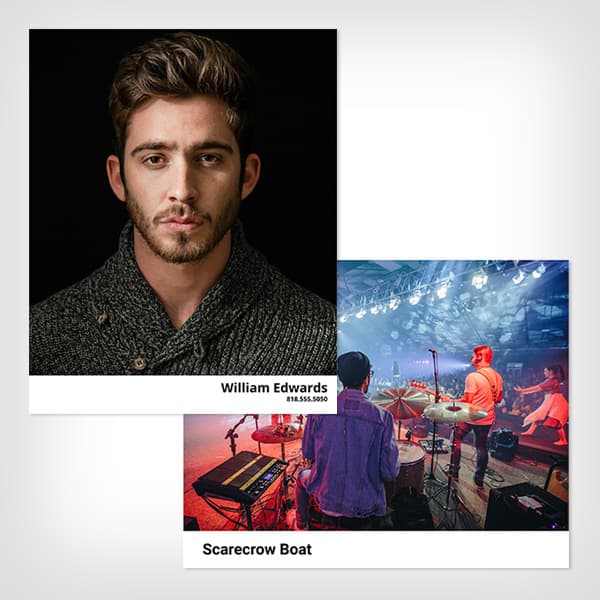
Memory Mates Now in the SOS
We added some generic memory mates into the sos. The filenames are used for team and individual text nodes so if you name your files with the kids names and use a template that has the name or team name it will automatically populate with their name. If you don't rename the files then you can just edit the text node to correct it.
More InfoAnnouncement
New Video Posted
Naming Digital Files for Selling Artwork on Etsy or Amazon
More InfoFeature
User Created Packages
You can now create your own packages in the units and package prints catalog. So you could have Pack A with an 8x10, 2 5x7s (on an 8x10) and 8 wallets (on an 8x10). Then you can add any number of images with that package to the cart. Once in the cart you will need to review the images to set the cropping.
More Info